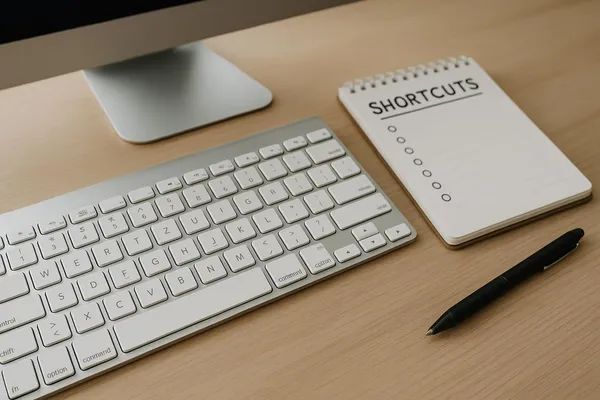
- Nov 24, 2025
- —
- 07 mins read
Keyboard Shortcut Bootcamp: Learn 20 Hotkeys in 20 Minutes
A quick guide to learn 20 time-saving keyboard shortcuts across macOS/Windows, Gmail, Google Docs, and browsers in 20 minutes to boost daily productivity.


























































































Explorer posts by categories
Explorer posts by tags
 by Max Bennett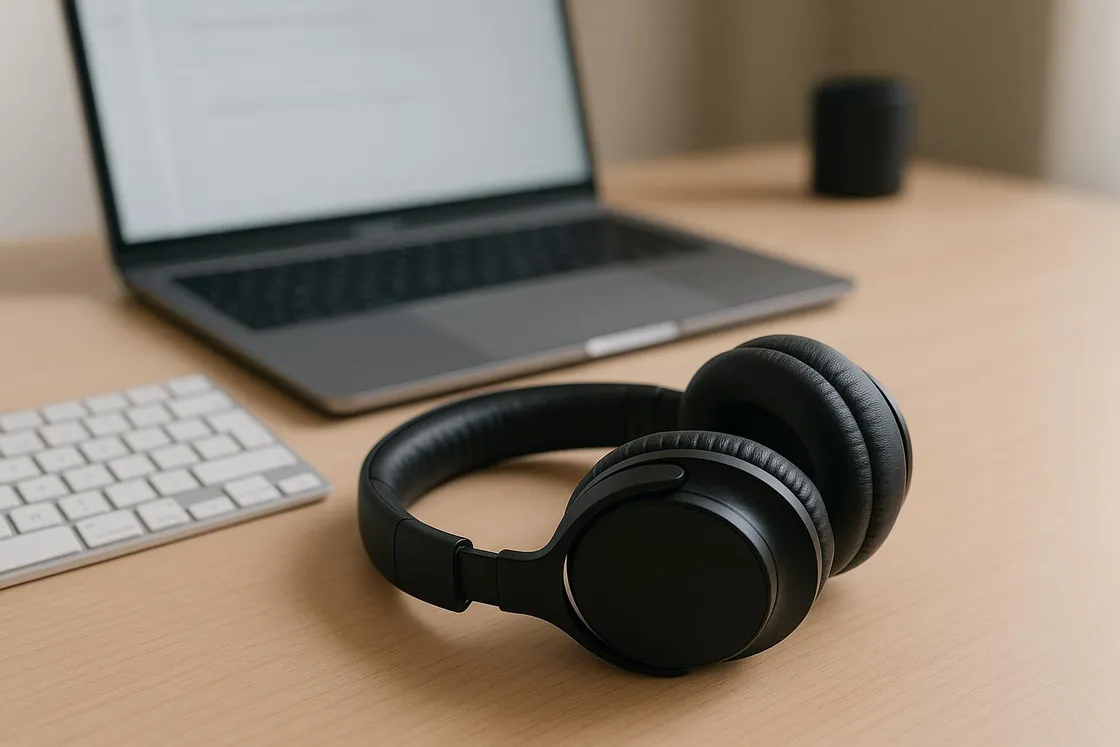
Some days, focus feels like trying to herd feral cats through a laser pointer factory. So I ran a delightfully nerdy experiment: I spent two weeks testing the internet’s favorite focus soundtracks—brown noise, lo-fi beats, and nature sounds—to see which ones actually help you get things done and which ones just make you feel like a productive squirrel. Spoiler: they all have superpowers, but they work best in different situations.
Before we jump in, I used each sound for specific types of tasks (deep work, admin sludge, meetings prep), and yes, I kept a little log because I love data almost as much as I love snacks. I’ll share simple picks, playlists, and even some affordable gear so you can build your personal focus soundtrack menu.
If you’re in a hurry, here’s the no-music-theory, straight-to-action summary:
If you want to know why, read on. If you love immediate gratification, I see you—grab the playlists and gear below and jump in.
I also ran each soundtrack through three environments:
Keep volume at a comfortable level. If you have to yell “WHAT” when someone walks in, it’s too loud. Your future 90-year-old self thanks you.
What it is
When it worked best for me
When it backfired
Try this
Yes, that video above is a lo-fi stream (we’re coming to that), but first: here are brown-noise resources and a pro tip.
What it is
When it worked best for me
When it backfired
Try this
Ready-to-play lo-fi streams:
Find five tracks that click for you and loop them during deep work. The predictability reduces novelty and keeps your brain from “peeking behind the curtain.”

What it is
When it worked best for me
When it backfired
Try this
Nature go-tos:

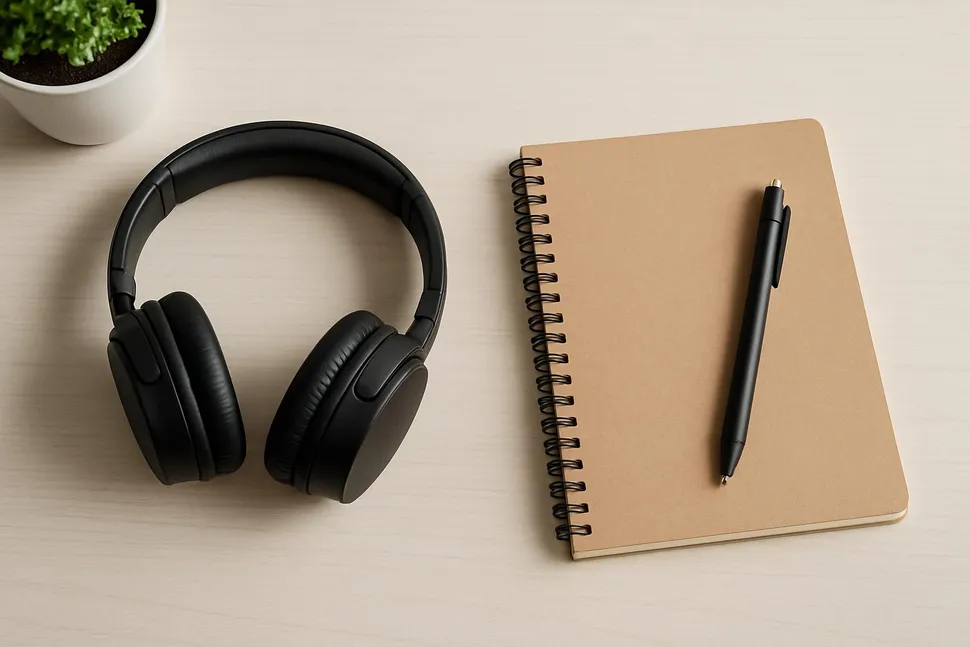

I tested with a few affordable options. Pick one, not all—this is productivity, not a cosplay of a recording studio.
Apps that make this brain-easy:
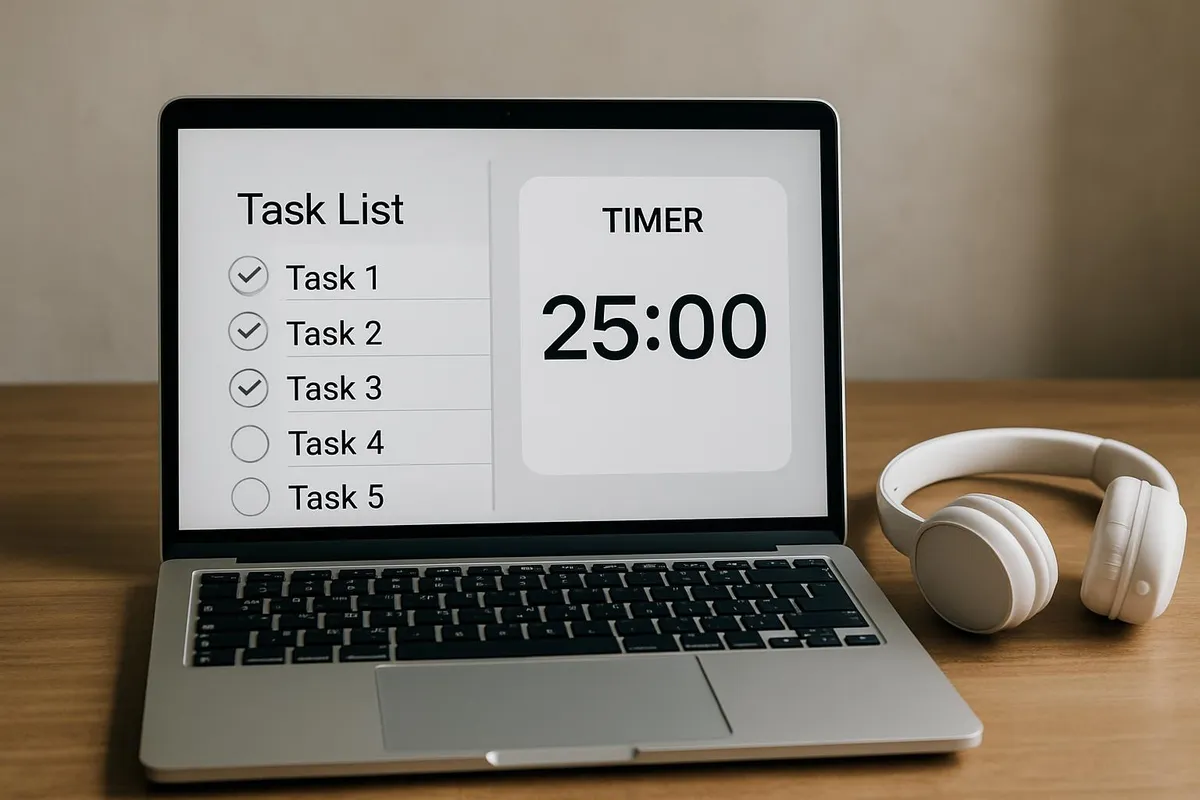
Trying to multitask is like juggling flaming torches when you’ve only practiced with tennis balls. Your soundtrack is a cue; pair it with a simple routine to tell your brain which mode you’re in.
Deep work ritual (brown noise)
Admin blitz (lo-fi beats)
Calm planning block (nature sounds)
Use the same soundtrack for the same type of work for a week. You’re building a Pavlovian “when this plays, I focus” response—minus the drool.
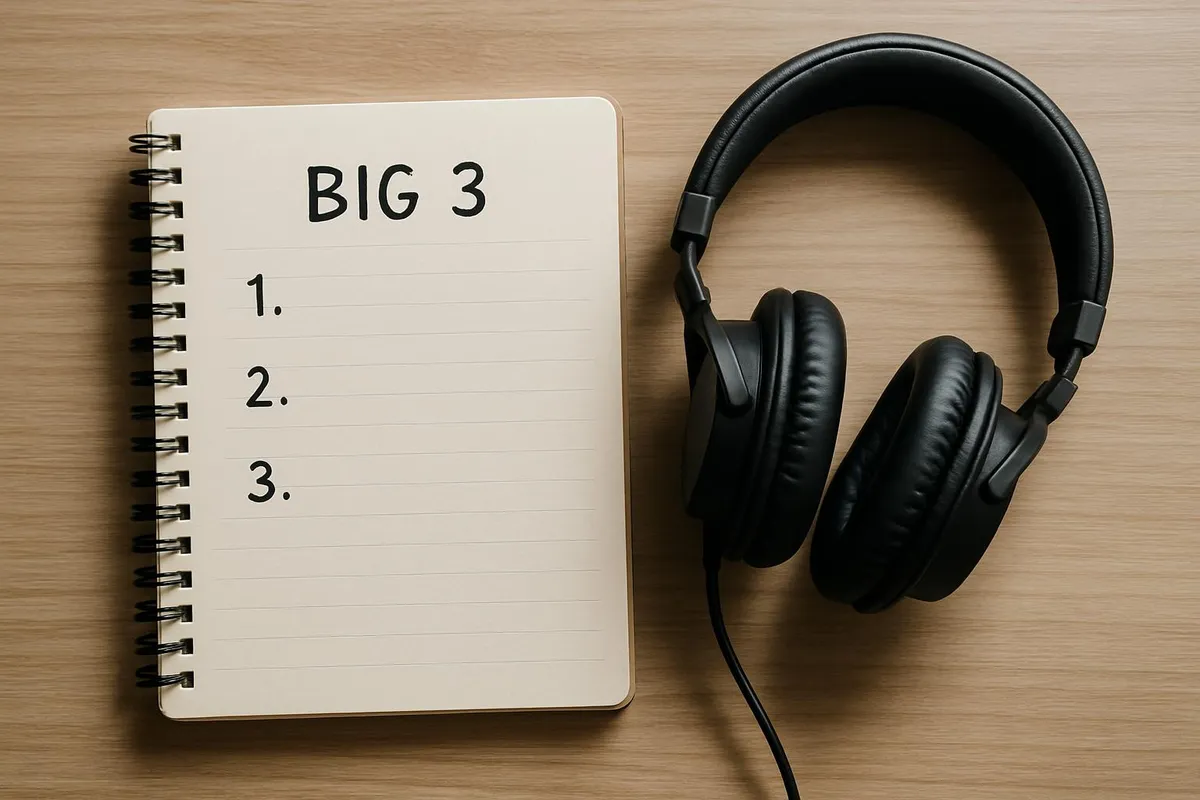
Silence isn't always golden—sometimes it's brown, sometimes it's rain, and sometimes it's a lo-fi beat that won't quit.
Max, your resident productivity gremlin
Because experimentation beats assumptions, here’s a tiny, zero-drama test plan.
Log one sentence per block:
Optional bonus points:
Share your soundtrack stack and tag us on Instagram at @mysimple.life.official if you want a digital high-five:
Use these “defaults” so decision fatigue doesn’t mug you before 10 a.m.
One last thing: You don’t have to find the “perfect” sound. You just need one that helps Today You do the Next Right Thing. Progress over perfection; vibes over chaos.
If your calendar still feels like it’s playing Tetris on hard mode, pair your new sound system with Calendar Cramming: Why Your Time-Blocking Keeps Exploding (And What to Do About It) and reclaim your focus like the audio-powered productivity wizard you are.
Try one soundtrack today for a single block of work. Keep what helps, ditch what doesn’t, and customize shamelessly. Tiny experiments, big momentum.

Max Bennett
Max was once the king of procrastination, proudly sporting a "Deadline Enthusiast" badge. After realizing he spent more time organizing his desk than actually working, he dove headfirst into the world of productivity. Max now experiments with unconventional (and sometimes ridiculous) productivity hacks and shares what works—with plenty of laughs along the way.
A quick guide to learn 20 time-saving keyboard shortcuts across macOS/Windows, Gmail, Google Docs, and browsers in 20 minutes to boost daily productivity.
A practical, no-shame guide to a one-week time audit that reveals hidden time leaks, helping you reclaim 5–10 hours next week with simple logging methods, templates, and quick fixes.
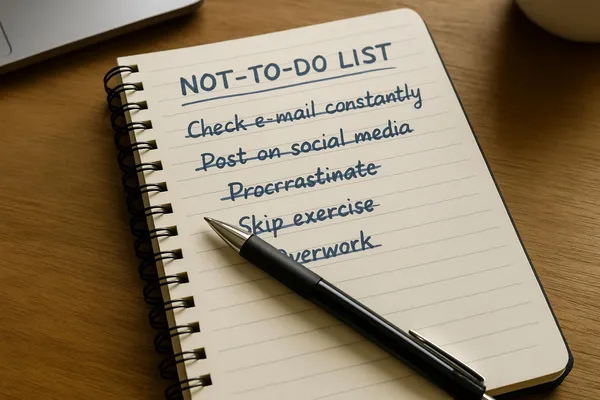
A concise guide to creating a Not-To-Do List that reduces decision fatigue, protects context, and frees up mental bandwidth for meaningful work—with practical steps and examples.