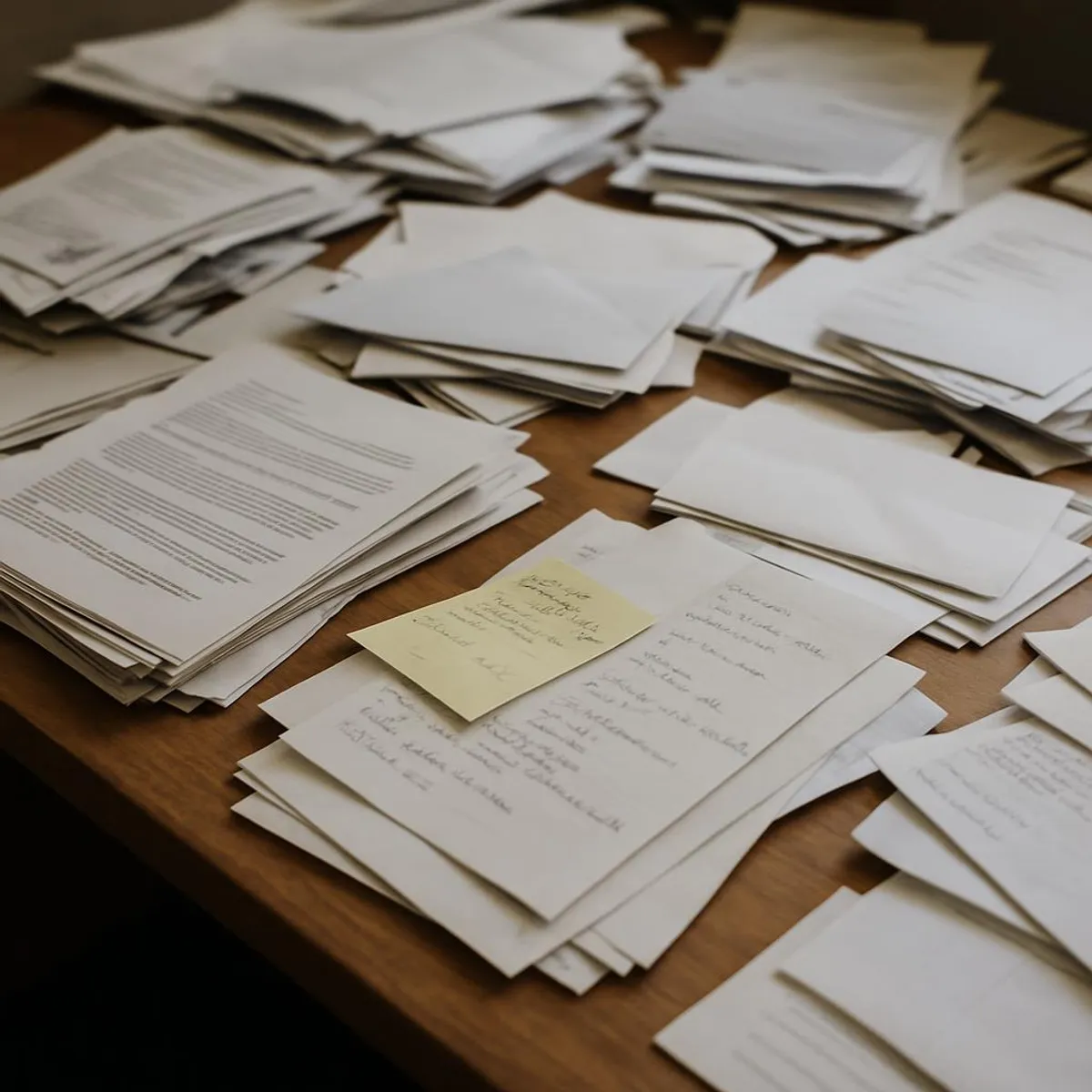
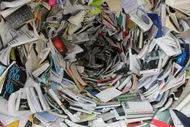
Let me guess. Your mail walks in, takes off its shoes, and makes itself right at home on your counter. Then it multiplies. Bills flirt with coupons. School forms mingle with takeout menus from 2011. Receipts do that thing where they crumple themselves into ancient relic status. I see you. I’ve lived in the land of migrating stacks, where paper travels from kitchen counter to desk to nightstand to bag, then back around like it’s doing a sad little victory lap. Today, we’re ending the chaos. No label-maker degree required.
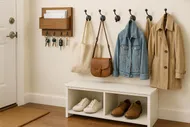
Here’s the promise: a dead-simple inbox, a 3-folder system, and clear rules for what to shred, scan, or recycle. If you can tell junk mail from a paycheck, you can do this. Bonus: you’ll stop using your kitchen as a paper waiting room. If your entryway already behaves like a stuff magnet, pair this with our drop zone setup in Entryway Drop Zone Makeover: Stop Tripping Over Your Own Life.
What we’re doing today:
- Giving incoming paper a single landing pad (not twelve).
- Sorting with a lightning-fast, 3-folder system.
- Knowing what to keep, what to shred, and what to recycle without crying.
- Scanning the essentials with your phone in less time than it takes coffee to brew.
- Setting a weekly 5-minute ritual that makes future-you want to kiss present-you right on the face.
🗂️Goodbye, Paper Guilt
You are not behind. You’re just pre-declutter. Ten minutes from now, you’ll be post-declutter and 80% lighter.
Why paper feels impossible (and why it isn’t)
- Paper is decision-intensive: Every piece demands a choice. We’ll automate those choices.
- Paper hides action items: Bills and forms lurk between coupons and catalogs. We’ll separate what needs you from what doesn’t.
- Paper loves to spread: Counters, desks, backpacks—the more surfaces, the more stacks. We’ll cage it with one inbox and a quick triage routine.
Need a warm-up for fast wins? Try The Art of the Two-Minute Tidy: How Quick Bursts Can Save Your Sanity and ride that momentum.
The No-Drama Paper System (your new normal)
Step 1: Build a home for incoming paper
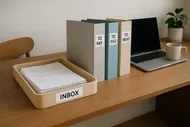
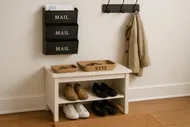
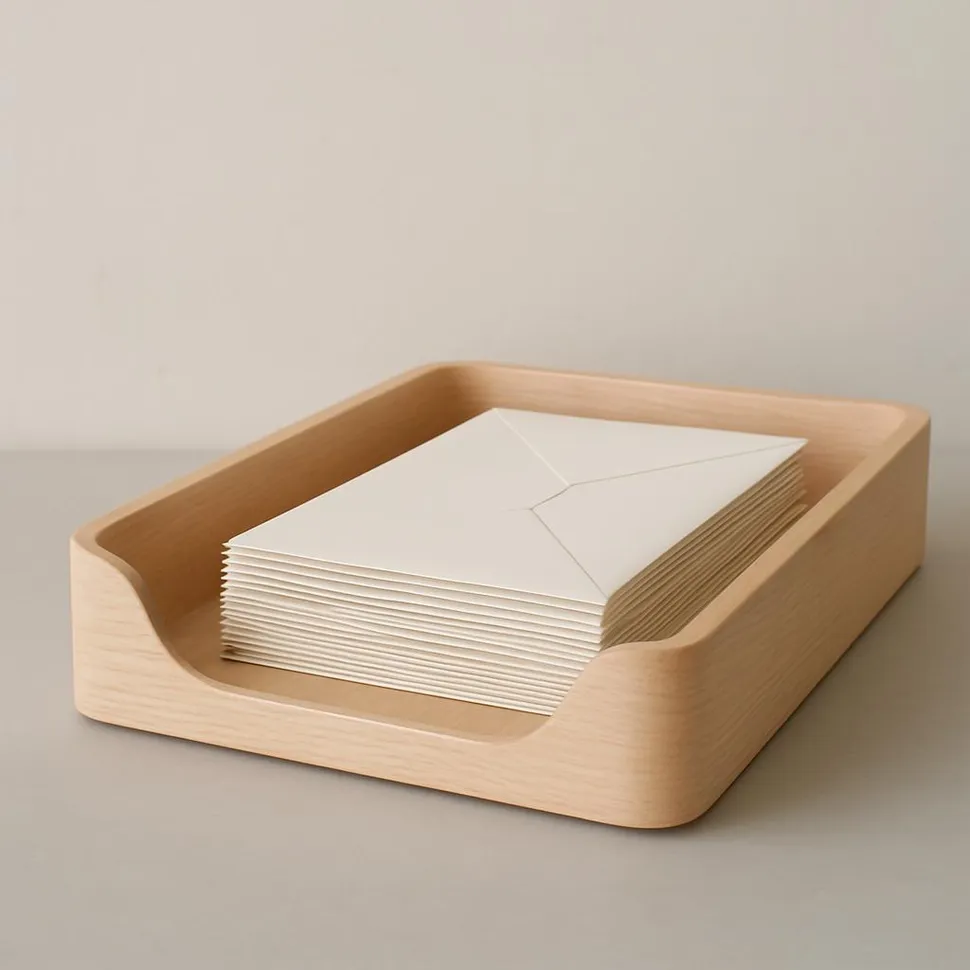
You need one—and only one—inbox. Not a decorative pile. A container with sides. Plunk it down where paper actually lands: entryway console, kitchen counter, or desk.
- Requirements: fits a week of mail, easy to grab, not scary to look at.
- Nice-to-haves: two-tier tray if you cohabitate with another human, or if you want a ‘Hot’ and ‘Cool’ layer.
Pro tip: If the entryway is your clutter tornado, pair this with the mail catch-and-sort habit in The 30-Minute Drop Zone Makeover: Declutter Your Entryway. You’ll stop the daily paper avalanche before it starts.
Step 2: The 3-folder system that does not suck
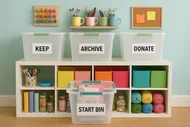
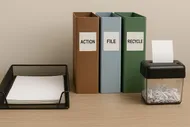
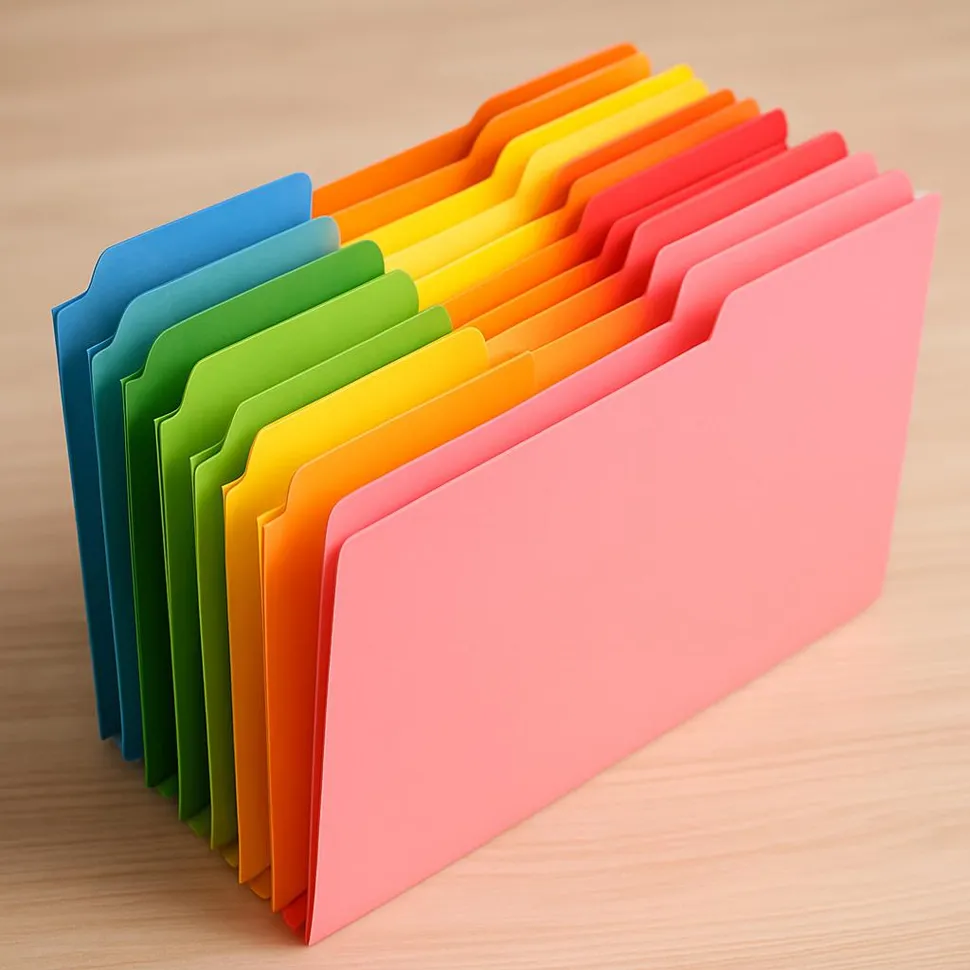
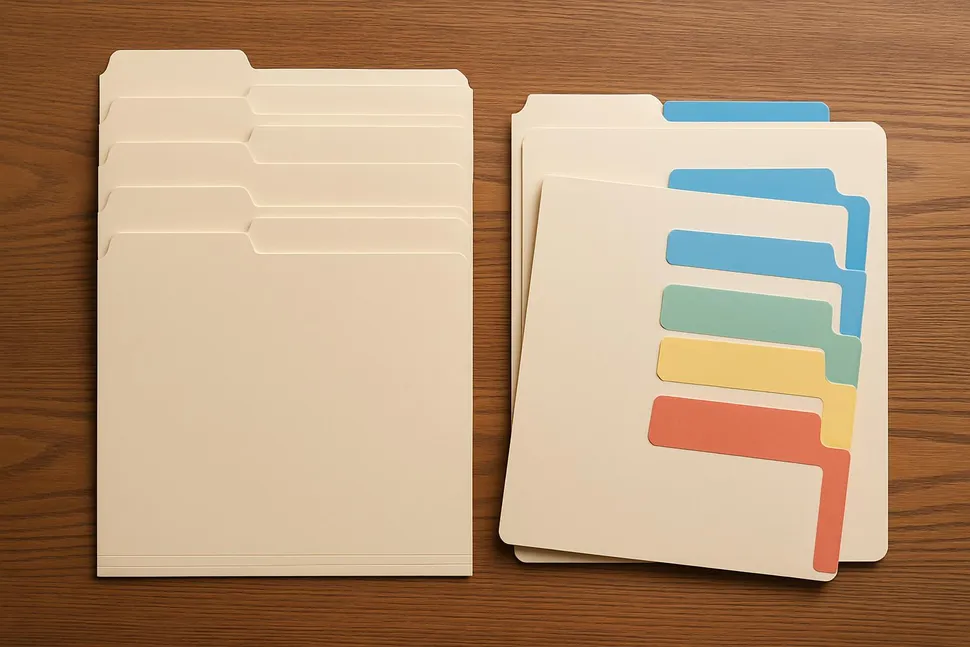
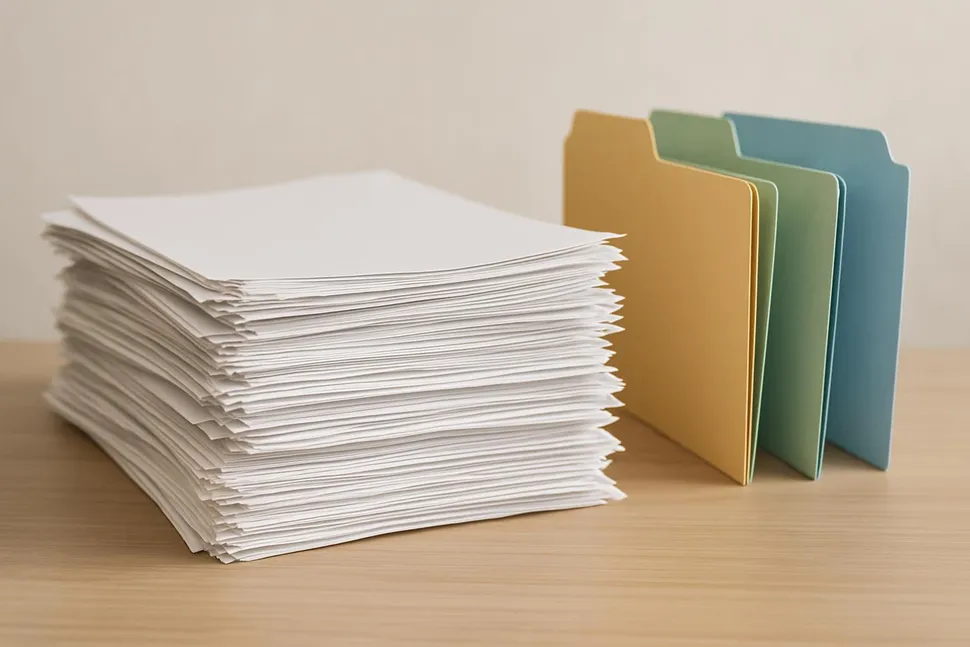
Grab three sturdy folders. Label them like this:
- Action: Bills, forms to sign, renewals, returns, calls to make. If it needs your hands or brain, it lives here.
- To Scan: Stuff you don’t need in paper form but shouldn’t lose—receipts for big purchases, paid bills you’ll need for taxes, medical EOBs you want handy, home repairs, warranties.
- To File: Paper you actively need in physical form for a while—vehicle title copies, new insurance cards, school schedules, current lease, mortgage docs, tax documents for this year.
Plus: a shred container. Not a bag. Not your hopes and dreams. A real bin, ideally next to your inbox.
⚠️If you struggle with 'File' becoming 'Forever Pile'
Rename ‘To File’ to ‘Short-Term File’ and set a recurring monthly reminder to empty it into your proper files. Boundaries are hot.
Step 3: The 2-minute triage flow
Open the mail standing up, near a trash/recycling bin. Triage happens immediately. Sitting is for action, not sorting.
- Junk? Recycle immediately.
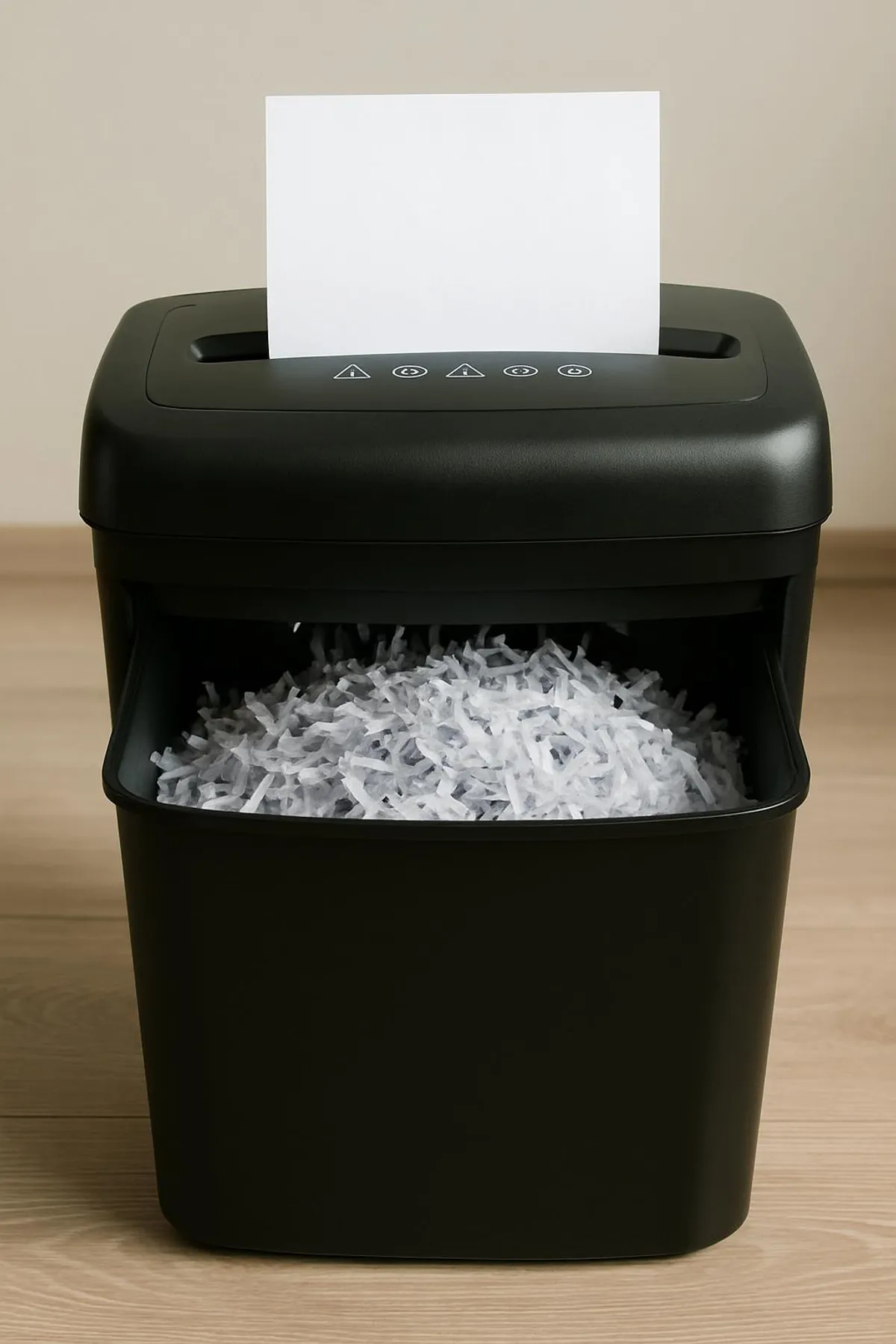
- Anything with personal info? Shred.
- Needs action? Action folder.
- Worth keeping but not as paper? To Scan.
- Needs to live on paper for now? To File.
If a paper can't tell me why it exists in 10 seconds, it's auditioning for the recycle bin.
Me, standing over my shredder like a benevolent judge
Rules for what to shred, scan, or recycle
Shred:
- Anything with your name plus any of these: account numbers, SSN, medical info, signatures, barcodes tied to accounts, QR/payment codes, or pre-filled offers.
- Old tax returns and supporting docs after the retention period you choose (see below). When it’s time to go, they go via cross-cut shredder or professional service.
Recycle:
- Catalogs, non-sensitive flyers, envelopes without windows (or tear the window out), junk mail without personal info, generic inserts, outer mailers without data.
Scan (then recycle/shred):
- Receipts for big purchases, warranties, home repairs, appliance manuals you can find online but want to keep receipts for, insurance policy documents (after confirming digital access), paid bills if you’re prepping for taxes.
Keep as paper (for a while):
- Current-year tax docs (W-2, 1099, receipts you can’t digitize), legal documents (birth certificates, wills, titles, passports), active contracts, medical plans, current insurance cards, property records.
📝Retention sanity check
General rules exist, but I’m not your lawyer or CPA. For taxes, many people keep returns and supporting docs 3-7 years depending on country and risk tolerance. Legal docs (wills, titles, certificates) are forever keepers. When in doubt, ask a professional and sleep like a baby.
How to scan without making it a whole saga
You don’t need a spaceship scanner. Your phone works beautifully.
- Use a scanning app with auto-edge detection and OCR (that fancy thing that makes text searchable).
- Scan on a flat, contrasting background in good light.
- Rename with a simple, consistent scheme: YYYY-MM-DD - Type - Company. Example: 2025-09-18 - Receipt - HomeDepot.
- Store in a clean, low-drama folder structure: Household/Receipts/2025 or Taxes/2025/Docs.
- Back it up. Cloud plus external drive if you’re extra. Future-you thanks you.
If your digital life is a zoo, clean it as you go and then sweep through with The Ultimate Guide to Digital Decluttering: Clear Your Digital Space and Mind. For inbox chaos, tag-team with Inbox Zero for Real People (Not Robots or Hermits).
Filing that doesn’t make you hate your life
You get six core folders. Not sixty.
- Taxes YYYY (one per year)
- Medical - [Your Name]
- Home & Auto (warranties, repairs, titles)
- Insurance (policies, cards)
- Work/School/Certs (current)
- Big Purchases (major receipts, manuals you actually need on paper)
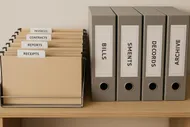
Use a slim, portable file box if you’re anti-cabinet. Once a year, archive Tax YYYY to a deeper bin and weed out dead weight. Pair with a quick surface reset using Desk Detox: A Quick and Easy Guide to Organize Your Workspace so your desk stays a desk and not a paper terrarium.
The 20-minute Paper Reset (do this today)
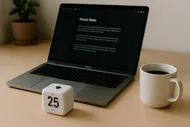
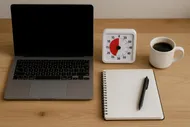
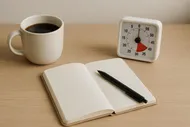
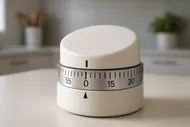
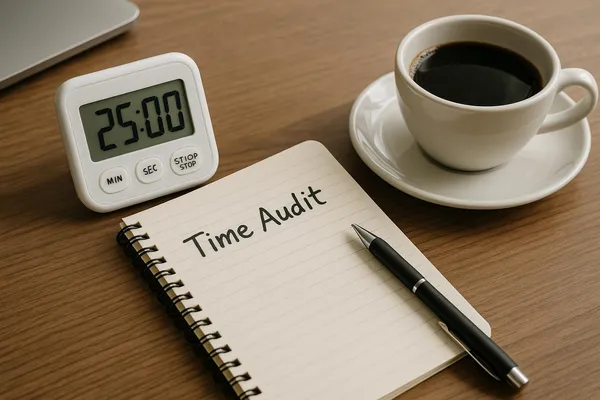
- Set a timer for 20 minutes. We’re sprinting, not moving in.
- Clear a counter or table. Put out your inbox tray, three folders, recycling bin, and shred bin.
- Grab the nearest stack and stand while you sort. Standing keeps you ruthless.
- First pass: junk to recycling, sensitive to shred.
- Second pass: everything else to Action, To Scan, or To File.
- If the timer dings and you’re in the zone, do another 5-10 minutes. If not, stop. Momentum beats marathons.
If your counters also hold every magnet in the Western Hemisphere and a cryptic calendar from 2022, combine this with Magnetic Fridges & Chaotic Counters: Declutter the Kitchen Volcano. Your kitchen deserves a break.
The Friday Five: a weekly maintenance ritual
Block five minutes on your calendar. Fridays, after lunch. Or tack it to your end-of-day using The Shutdown Routine: How 10 Minutes at 5 PM Saves My 9 AM Tomorrow.
- Empty inbox into Action, To Scan, To File.
- Pay or schedule anything due within a week.
- Scan three things from To Scan. Done is better than ancient.
- File five pages from To File. Or empty it entirely if it’s tiny.
- Empty shredder and recycling.
Habit boosts that make this stick
Stop the incoming flood (because prevention = freedom)
- Go paperless for utilities, banks, and insurance. Then delete ancient PDFs during your digital declutter sweeps.
- Unsubscribe from catalogs and charity mailers you don’t read.
- Update your address everywhere; bouncy mail is clutter.
- Tell schools, clubs, and doctors you prefer email. Then funnel those emails into folders automatically.
Common excuses I hear (and my sassy replies)
- ‘I might need this someday.’ You might also need a pet llama someday. Until then, scan it or let it go.
- ‘I don’t have time.’ You do. You’re currently donating hours to moving the same stack around. The system takes 5 minutes a week.
- ‘I’m afraid I’ll toss something important.’ Shred only what’s clearly safe. Keep legal docs and current-year tax papers. Scan when you’re unsure. You’re not tossing your birth certificate, promise.
- ‘Filing cabinets are ugly.’ So is an avalanche of envelopes. Get a slim file box, a clean label, and call it modern minimalism.
Tools I actually use (low drama, high function)
No rainbow bin army required. Just a few basics:
- A single inbox tray or shallow basket.
- Three durable folders (Action, To Scan, To File).
- Cross-cut shredder or a lockable shred bag for service drop-off.
- Slim file box + 6 core folders.
- A phone scanning app with OCR.
- Masking tape + Sharpie or a simple labeler for folders.
Make it pretty enough to use
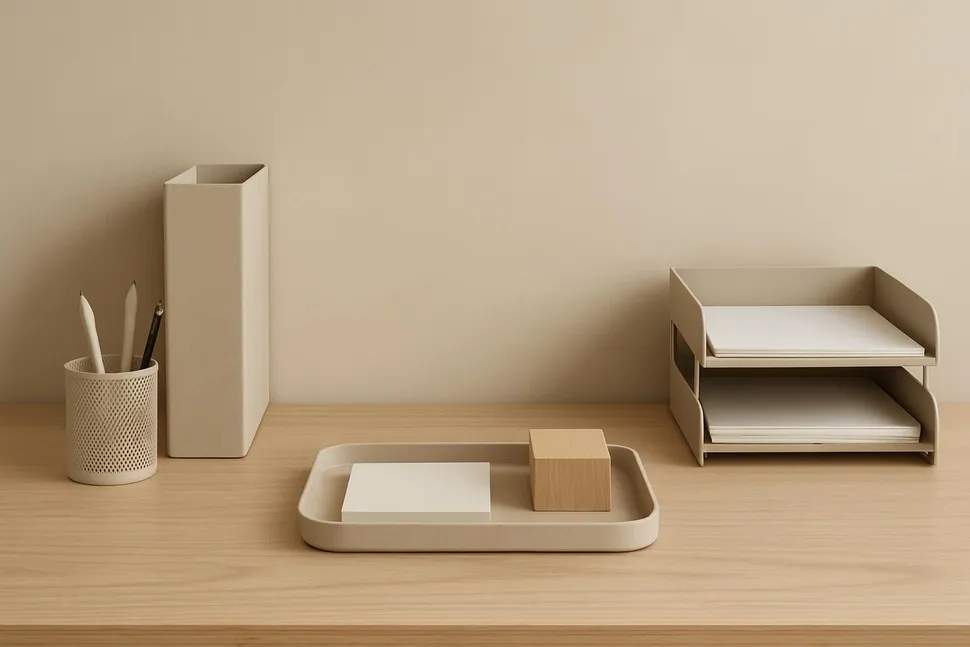
You’re more likely to stick with a system that doesn’t make your eye twitch.
- Choose a tray or basket that matches your space—wood, wire, matte black, whatever whispers ‘I’m calm’ to your brain.
- Use simple, legible labels. Masking tape is fine. Perfection is not required.
- Keep the surface around your tray clear so it stands out as ‘the place’ for paper.
If you love budget-friendly style, you’ll vibe with Upcycle Magic: Transform Glass Jars into Organizing Solutions for Every Room. Pretty storage doesn’t need a plastic rainbow or a second mortgage.
What lives where (so your brain stops guessing)
- Inbox: Everything incoming. Always.
- Action: Only items that need your attention. If it’s not actionable, it doesn’t live here.
- To Scan: Digital-keepers. Aim to scan 3-5 per week.
- To File: Physical-keepers. Empty monthly into your core folders.
- Core files: The six folders listed above.
- Shred bin: Within reach. Empty weekly.
When the pile is already out of control
Been there. Deep breath. You’re going to do a sweep, not a saga.
- Set a 30-minute timer. You’re just sorting, not finishing.
- Create one ‘Mystery Stack’ for items you truly can’t decide on in under 10 seconds. Everything else goes to Action, To Scan, To File, Recycle, or Shred.
- After your timer, take an Action item and complete it right now. Light a match under momentum.
- Schedule a second 30-minute block later this week to process the Mystery Stack. Repeat until the beast is tamed.
Pair this with a rapid whole-house tune-up using Declutter Like a Pro: The 20-Minute Whole-House Speed Sweep. Nothing fuels motivation like visible wins.
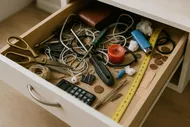
What about the junk drawers?
You know you’ve got paper hiding in there like it pays rent. After your main reset, treat yourself to The Joy of Saying Goodbye to Your Junk Drawer. It’s fast, it’s satisfying, and your future batteries will thank you.
Your mini challenge: The Paper Power 15
- Set a 15-minute timer today.
- Create your three folders and find a tray.
- Triage one stack.
- Pay or complete one Action item.
- Bonus: Snap a before/after pic and tag us on Instagram. I want to applaud your pile’s dramatic exit.
Final pep talk (without calling it a final anything)
If you haven’t touched it since the last presidential election, it’s probably not vital. If a paper needs you, it belongs in Action. If you only need the info, scan it. If it’s junk, let it die a recycled hero. Your home isn’t a paper museum. It’s where you live. And now, you actually get to see your counters again.
When you’re ready for more momentum, hop to Dump the Drawer: 7 Secret Stashes You’re Pretending Aren’t Clutter next. Keep the wins small, steady, and hilariously satisfying. Simplicity is the ultimate power move—and you just made one.
























































































 by
by 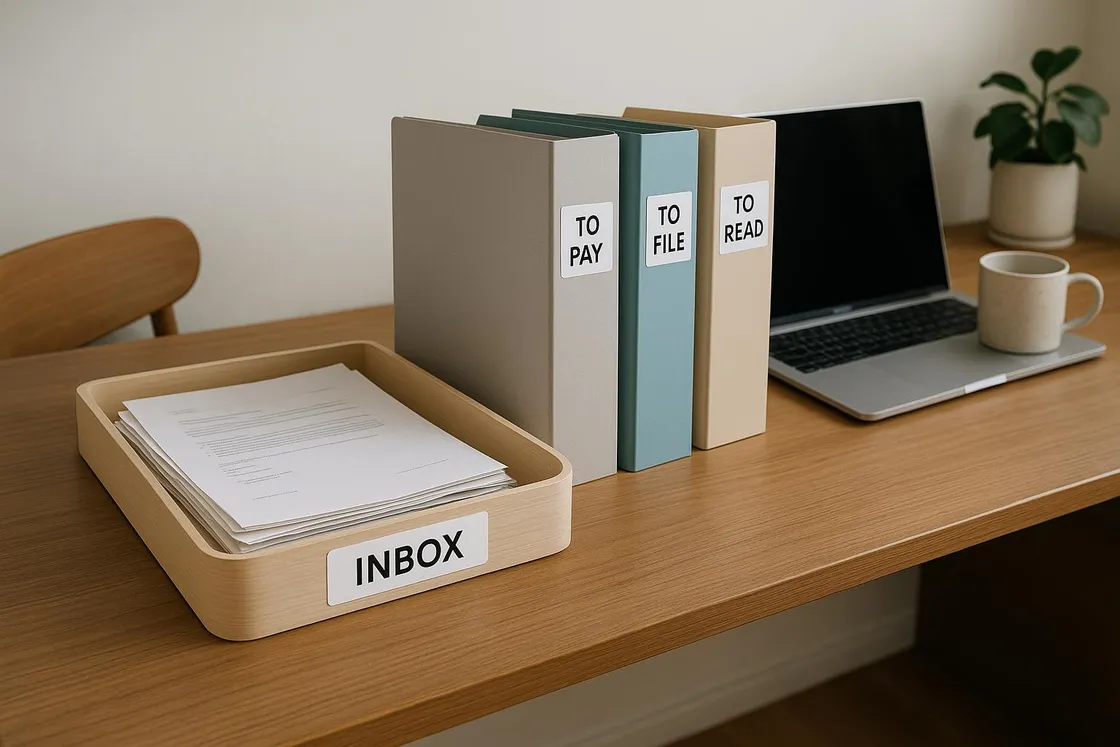



 by
by

 by
by